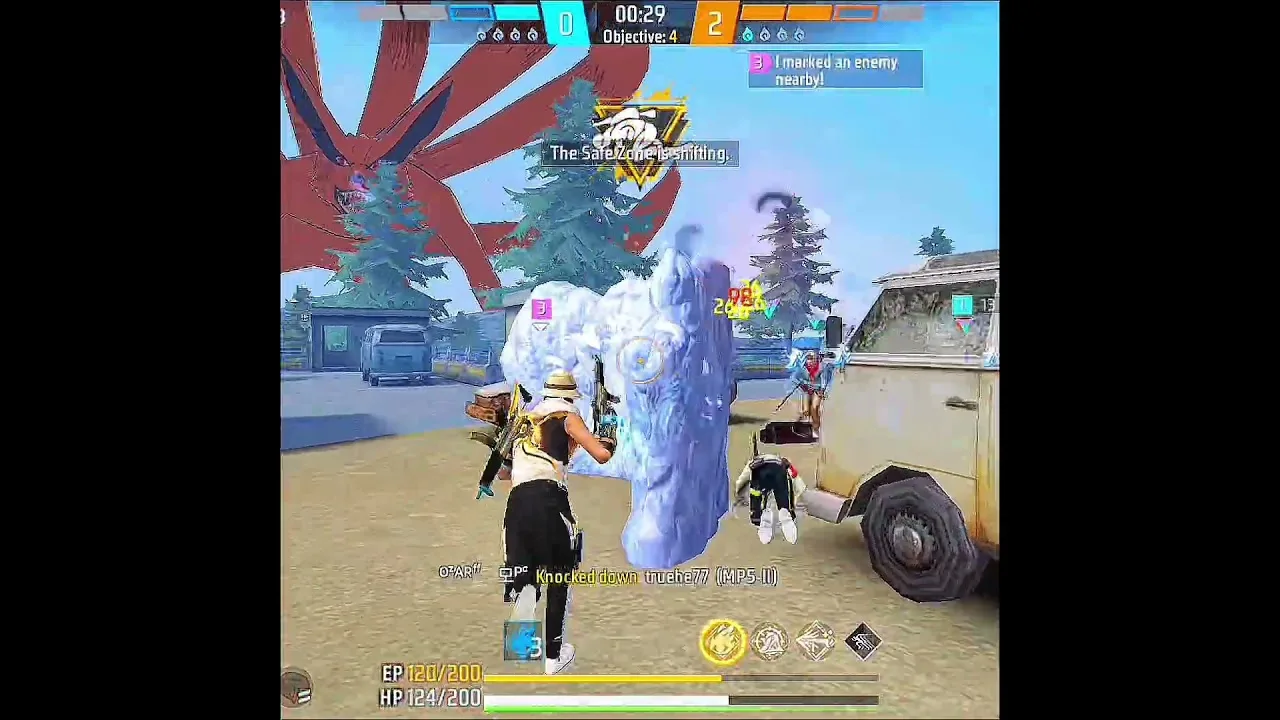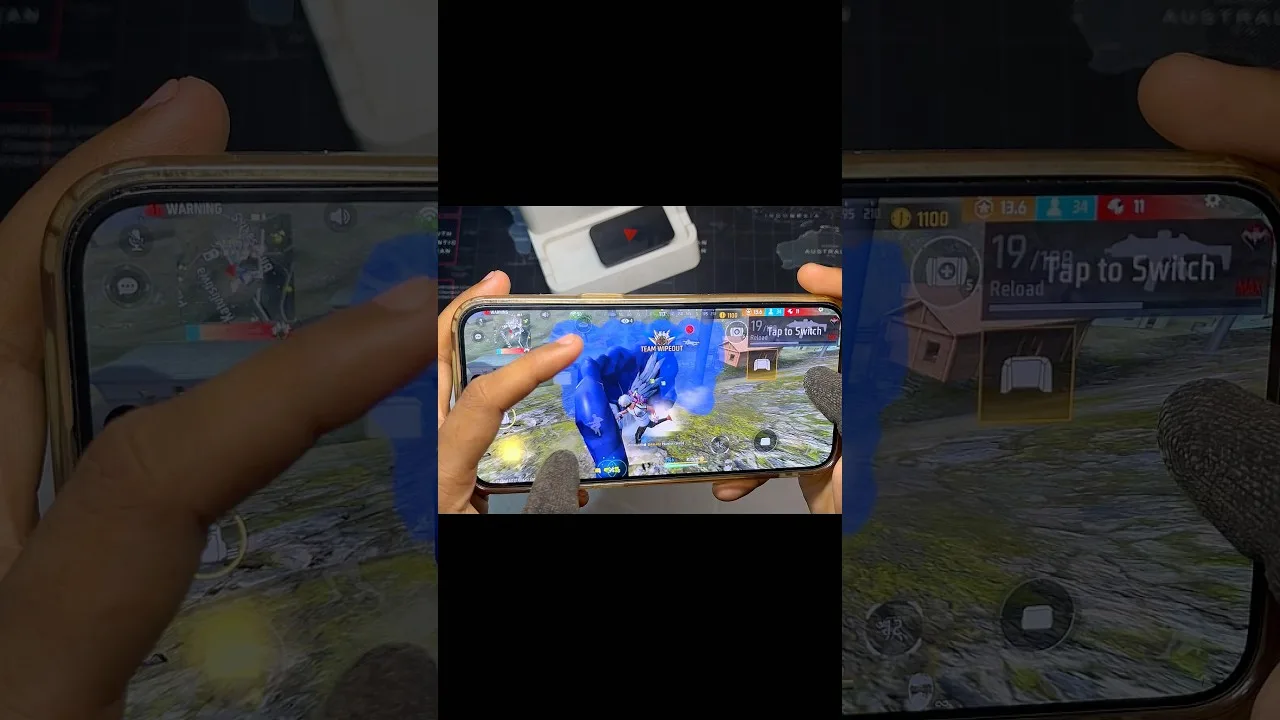
Events inside a test cycle look familiar, with banners, missions, and reward tracks, but they serve a different master than events in the regular game. Their real purpose is coverage: making sure enough players try a system so its design and numbers can be judged before release.
That is why the FF Advance Server preview app for Android often feels generous during events. Test currency and items are tools handed to you so nothing blocks your testing, and understanding that purpose helps you spend your limited window on the events that matter most.
How Test Events Differ From Regular Events
Regular events are tuned for weeks of engagement and lasting rewards. Test events are compressed snapshots: shorter timers, faster mission progress, and reward previews that show what a finished event might offer. Some test events will be redesigned heavily before anyone sees them again.
Because of that, do not judge an event only by its prizes. Judge the loop: are missions clear, does progress feel fair, does the event page explain itself, and would regular players understand it without help? Those are the questions the testing team needs answered.
Prioritise Events That Showcase New Systems
With a short window, order matters. Play events built around new modes, characters, or store systems first, because those are the cycle's true priorities and the content most likely to change based on feedback. Familiar returning events can fill leftover time later.
The lobby banners and the areas described in the FF Advance Server main sections guide point you toward what the cycle is showcasing, so a two-minute scan at the start of each session keeps your event time aimed at the right targets.
What Rewards Do and Do Not Carry Over
Items, currency, and progress earned inside the test build stay inside the test build. They exist so you can try paid-style items, bundles, and upgrades without restriction during evaluation. When the cycle ends, the environment closes and your regular account remains exactly as it was.
The lasting reward of testing is knowledge and occasionally recognition for helpful feedback, not inventory. Players who accept that early enjoy events far more, as the FF Advance Server update guide explains when covering how each fresh cycle resets the stage for everyone.
Test the Event Pages as Well as the Missions
Event interfaces are content too. Check whether timers are readable, whether reward previews show what you will actually receive, and whether buttons behave the same on a small phone screen as the layout assumes. Cramped or confusing event pages are common test findings.
Try edge cases the designers may not have rehearsed: claim rewards in a different order, revisit an event after completing it, and open pages on a weak connection. Small awkward moments found now are cheap to fix and save real frustration for millions of players later.
Share Feedback That Improves the Final Event
When an event feels too slow, too generous, confusing, or genuinely fun, say so with specifics: which mission, which reward step, how long it took, and what you expected. Event tuning is heavily numbers-driven, and precise tester reports are the numbers designers trust most.
Praise deserves the same precision as criticism. If a mission chain felt perfectly paced, naming it protects that design during revisions. A test cycle where only complaints are filed can accidentally flatten the parts that were already working well.
Reading an Event Page Like a Designer
Open every event page twice: once as a player chasing rewards, and once as a designer checking communication. On the second pass ask whether the goal, the timer, and the reward for each step are understandable without outside help, and whether anything important hides below the fold of a small phone screen.
Designers genuinely struggle to see their own pages with fresh eyes after months of development. A tester who reports that a reward step was unclear, with a screenshot of the exact panel, hands them a fix that takes minutes to make and saves confusion for the entire player base at release.
Making the Most of Short Event Windows
Test events compress weeks of design into days, so plan your sessions around them. Skim all live events at the start of a session, pick the two that showcase the newest systems, and finish their core missions before wandering. Leftover time can always go to familiar content, but a missed showcase event rarely returns within the same cycle.
If two events compete for the same hours, choose the one testing a system rather than the one testing a skin. Systems shape the future game for everyone, while cosmetic events mostly need volume and visual checks that thousands of casual sessions will cover without your help.
Remember also that event feedback carries furthest when it arrives during the cycle, not after it. A comment posted once the build has closed is archaeology; the same observation filed while the event is live can still change the event itself, since test builds are sometimes adjusted mid-cycle. Set aside a few minutes at the end of each event session to send impressions while they are fresh and actionable, rather than saving every thought for a grand summary that lands when nobody can use it anymore.
Final Thoughts
Advance Server events are rehearsals, not prize machines. Play the ones showcasing new systems first, judge the loop rather than the loot, test the pages as carefully as the missions, and report specifics. That approach turns a few fun event sessions into a visibly better event for everyone at release.