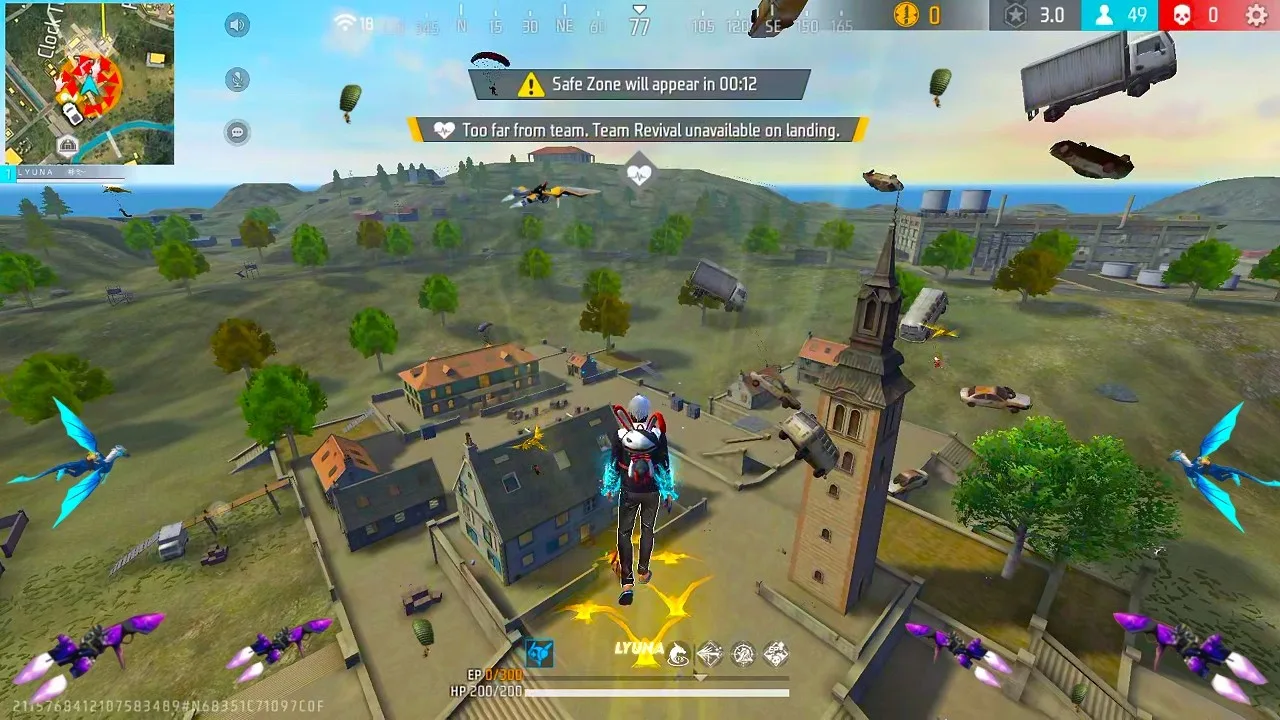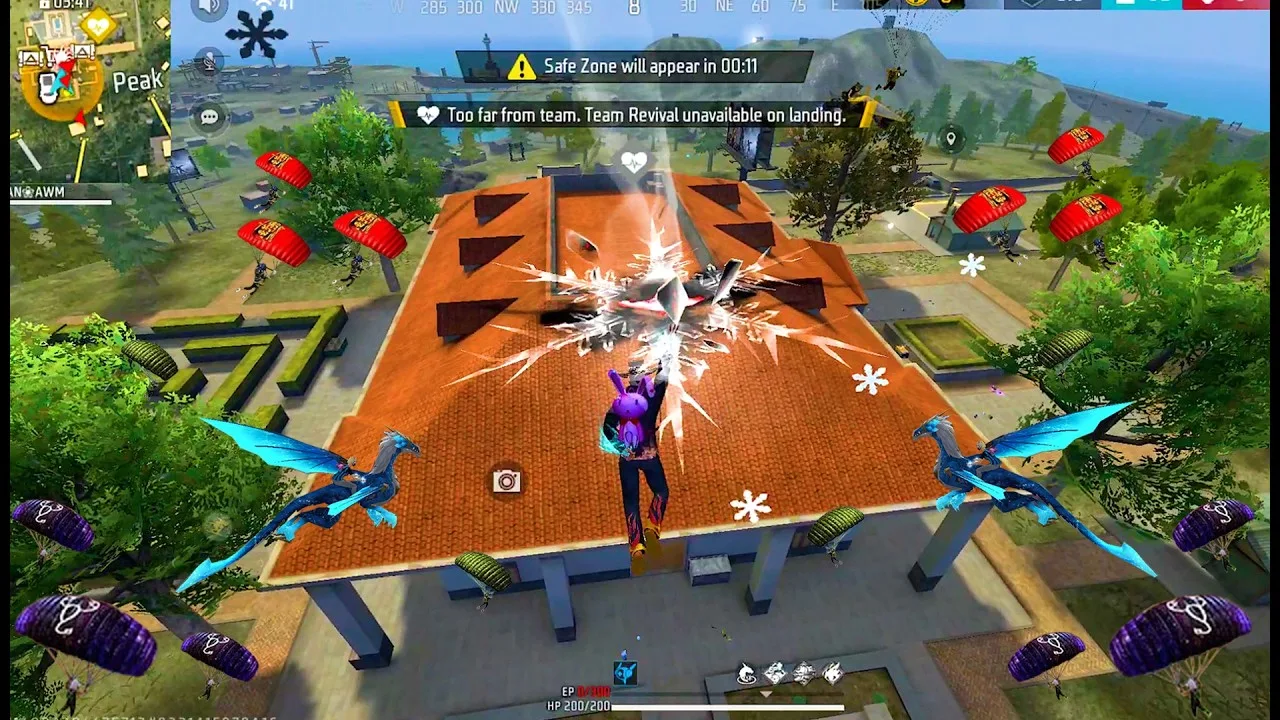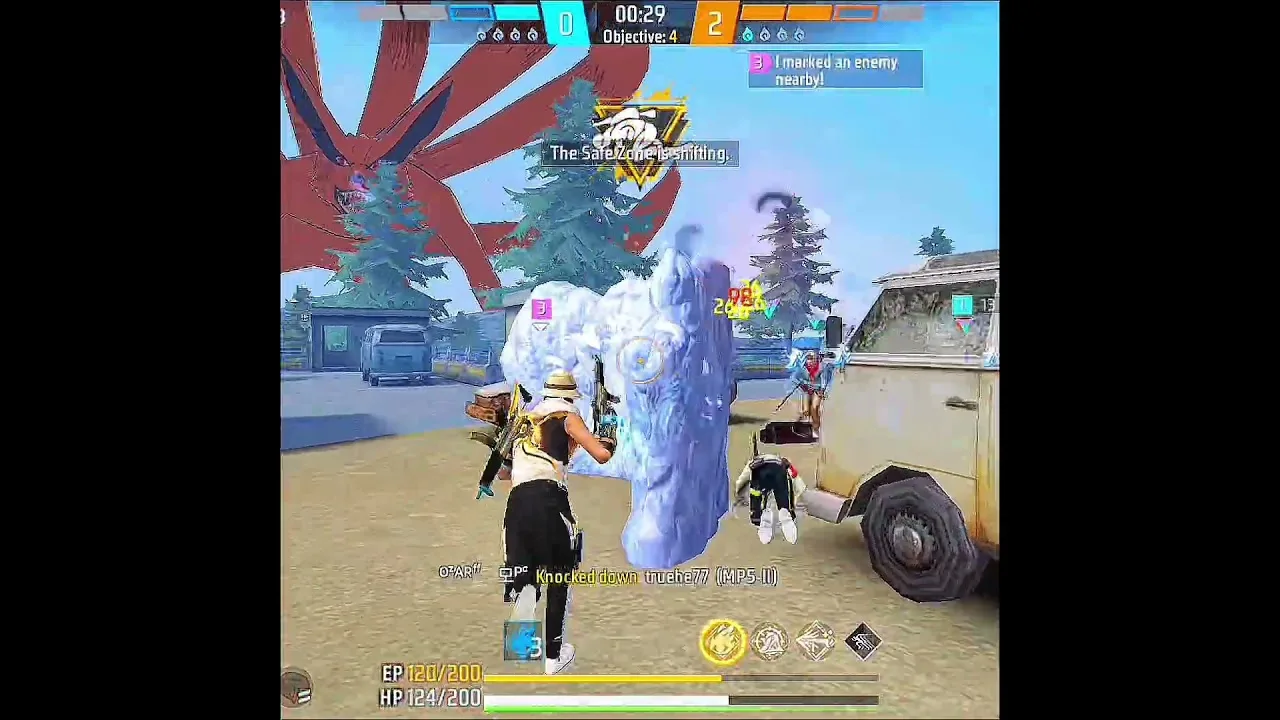
The Advance Server exists for one reason: to hear from players before an update is final. Yet most feedback sent during a cycle is too vague to act on, which means real bugs survive into the release while well-described minor issues get fixed quickly. The difference is method, not importance.
Anyone can install the FF Advance Server APK and play the preview. Testers who learn to report clearly multiply the value of every session they play, because each of their reports can be understood, reproduced, and fixed without guesswork.
Catch the Details While the Bug Is Fresh
The moment something odd happens, pause and note the essentials: what you were doing, which mode and map, which character and weapon, and what happened instead of what you expected. Two lines written immediately are worth more than a detailed story reconstructed that evening.
Screenshots and short screen recordings are powerful evidence when the problem is visible, such as a broken menu, a texture glitch, or an ability effect that looks wrong. Capture them before leaving the match, because many test-build states cannot be recreated later on demand.
Write Reports a Stranger Can Reproduce
A strong report follows a simple shape: steps to reproduce, expected result, actual result. Write the steps as numbered actions a stranger could follow exactly, and keep opinions in a separate final line so the facts stay clean and testable.
Before filing, search your memory of the cycle: is this a known quirk already covered in the FF Advance Server features guide, or genuinely new behaviour? Filing precise reports about new behaviour, rather than repeating known limitations, keeps your feedback credible and welcome.
Separate Bugs From Balance Opinions
A bug is something broken: a crash, a missing texture, a button that does nothing. A balance opinion is something tuned: a weapon that feels too strong or an ability that feels unfair. Both matter, but they go to different teams and should never be blended into one angry paragraph.
New testers especially benefit from keeping the two apart, a habit also encouraged in FF Advance Server beginner tips, because clear categories make your reports faster to write and far easier for the receiving team to route correctly.
Include Device and Build Information
Many bugs live on specific hardware. Always include your phone model, Android version, and graphics settings in a report about crashes, visuals, or performance. A problem that only appears on one chipset is invisible until testers on that chipset describe it properly.
Note the time it happened as well. Server-side wobbles often affect many players in the same minutes, and a cluster of reports sharing a timestamp tells the team more than fifty undated complaints spread across a whole test window.
Follow Up Like a Tester, Not a Commenter
If a later session shows the same bug fixed, still occurring, or changed, a brief follow-up report is extremely valuable. It confirms whether a fix worked in real hands, which is information the team cannot get from internal testing alone.
Stay measured in tone throughout. Reports are read by people deciding what to fix under deadline pressure, and clear, calm, specific testers get read first. Over several cycles, that reputation quietly makes your feedback some of the most influential in the programme.
The Two-Minute Report Template
Keep a reusable note on your phone with five headings: what I was doing, what I expected, what happened, steps to repeat it, and my device and settings. Filling that template takes about two minutes at the moment a bug appears, and it guarantees you never stare at a blank form trying to remember the one detail that mattered.
The template also improves your play. Knowing you will record the essentials makes you naturally more observant during sessions, so you start noticing smaller issues earlier, when they are cheap to describe and valuable to fix, instead of only remembering the dramatic crashes.
Why Polite Precision Beats Volume
Sending twenty vague complaints feels productive but achieves less than two exact reports. Each report costs a real person reading time on the other end, and a tester known for precision gets their reports routed quickly, while a tester known for noise slowly trains the team to skim past their name.
Precision is also kindness to your future self. When the next cycle opens and you wonder whether an old annoyance was ever addressed, your own clear reports tell you exactly what you filed and what to re-check first, turning follow-up into a quick verification instead of a fresh investigation.
One final discipline ties everything together: file the report before your next match, not after your session. Memory edits itself quickly, excitement about the next game overwrites the details of the last one, and by bedtime the crisp sequence you witnessed has softened into a general feeling that something was wrong somewhere. Two minutes spent reporting immediately after the moment preserves the evidence at full strength. That single habit, more than any template or technique, is what separates testers whose names designers learn from everyone else in the lobby. It costs almost nothing and pays back every cycle.
Final Thoughts
Feedback is the real game being played on the Advance Server. Capture details immediately, write steps a stranger can follow, separate bugs from balance, and attach your device information. Master that small craft and your test sessions stop being early play and start being genuine influence on the finished game.